Astro‑Mod DSLR: Start Here (1)
For people who are curious about modifying a DSLR for night sky photography and want to know what that actually looks like in real use.
You might have a camera you already use for Milky Way shots. You might have heard the term “astro‑mod” in a forum or in a video and wondered if it is worth it. You might be trying to decide which camera to send in, or if you should send any at all.
My aim is to share my experience, from the decision to mod a camera, through field setup and image capture with an astro-modified camera, to shooting calibration frames, and stacking them in software.
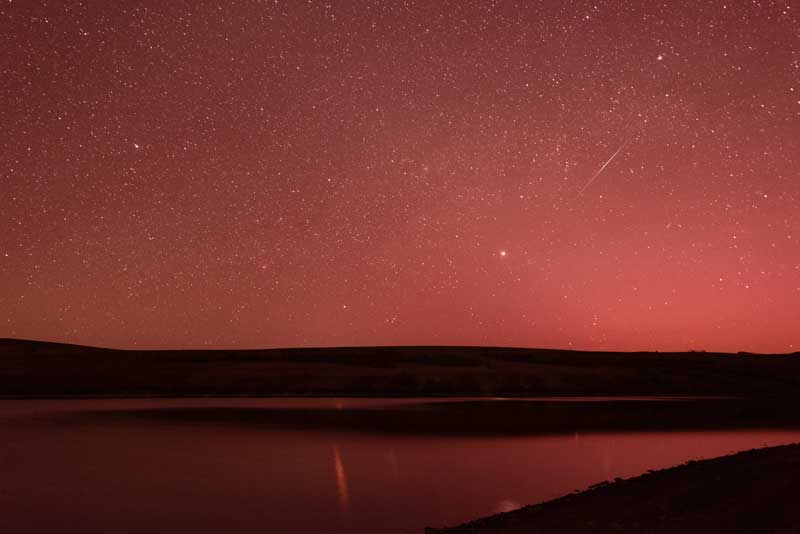
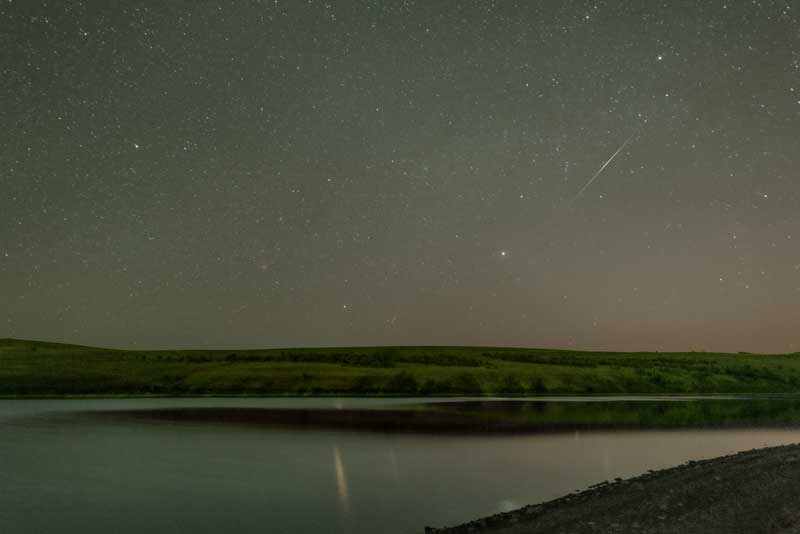
So let’s get to it…
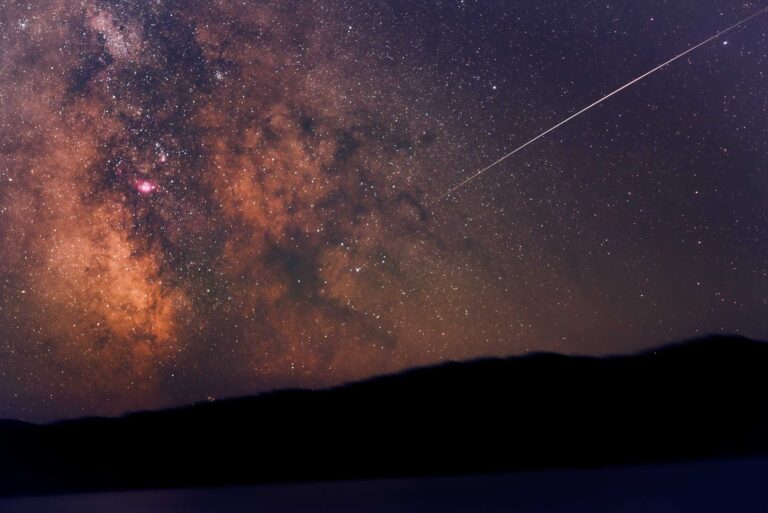
Astro‑modding a digital camera opens up a different way of seeing the night sky.
An off-the-shelf DSLR with a decent lens can already see the night sky. It can record stars, the Milky Way, the Moon, and even some bright nebulae. And, it does all of that while pretending to see the world the way our eyes do.
That’s because inside the camera, just in front of the sensor, are filters that block most of the light beyond the visible spectrum humans can see. Which is great for everyday photos as those filters help record colours we are familiar with. But, for deep sky photography, it means the camera is ignoring a lot of the light that’s out there.
An astro‑mod changes that.
Learn how and why I modded my own camera, how I set up in the field, and how I process the images when I get home. This page gives you the big picture while linking you to more detailed pages so you can go deeper if you want.
What Astro‑Modding Actually Does
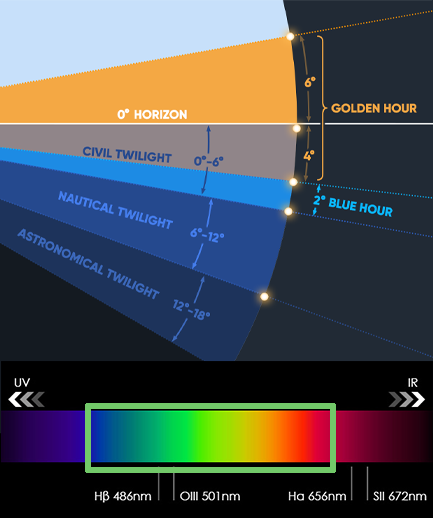
A digital sensor can see more than we can. It can record light across a wider range of wavelengths, including infrared and hydrogen alpha. Hydrogen alpha is a deep red light found in and around many emission nebulae. Unfortunately, a regular camera blocks most of that extra light before it ever reaches your RAW file.
Astro‑modding changes or replaces the internal filters in front of the sensor so more (not all) of that light gets through. That way, the sensor is able to see more of the light spectrum.
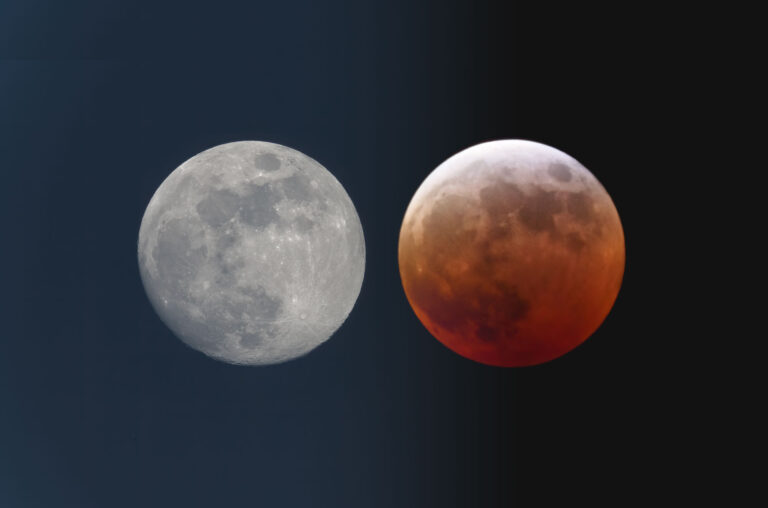
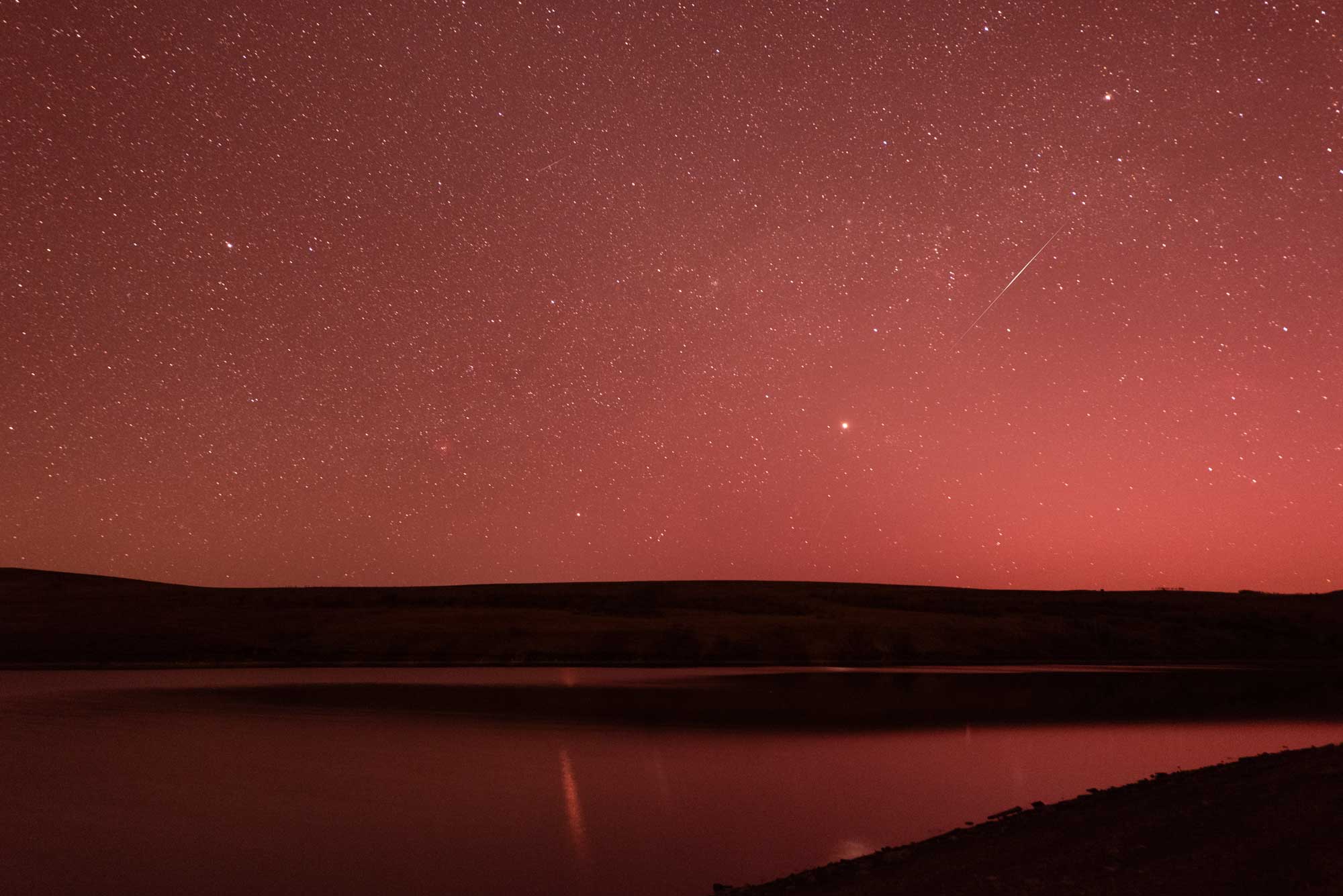
The result is simple. Nebulae that used to show as a faint smudge suddenly have structure and colour. Reds are stronger. Raw files look very red at first (you might think something is wrong, but it’s not). A quick colour balance in Photoshop or other photo editing software brings them back to a more expected look.
Just so we’re clear, an astro‑modification does not turn a camera into a telescope. It just lets the sensor record more of the light that was already hitting it, especially in the reds and sometimes in the infrared.
If you want the full story about why someone would do this at all, and what those filters are doing inside the camera, check out “Why Astro‑Mod My Camera?”
Assuming you might want to mod a camera, here’s my two cents on working with an astro‑modded DSLR:
- Why and how I decided to mod a camera
- The specific camera I chose and the modding process
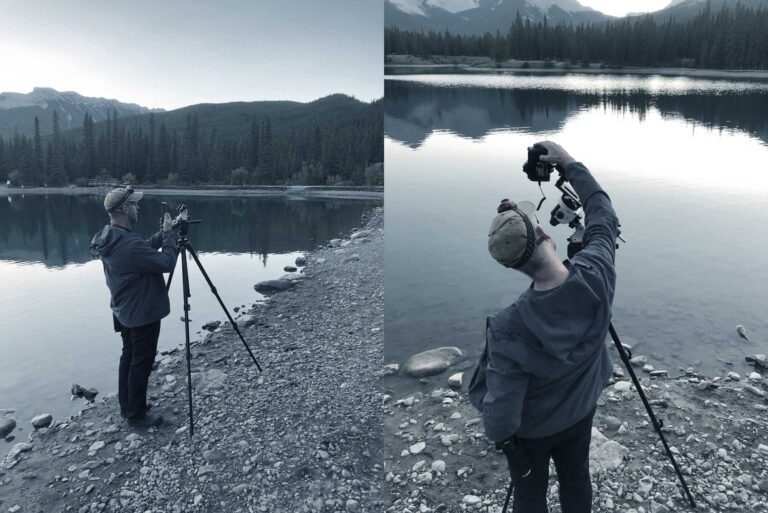
- How I set up in the field with a star tracker
- How I turn a stack of noisy files into a clean image
1. Why Astro-Mod at All?
The first part of this story is understanding why bother with an astro‑mod at all. A bad mod can end your warranty, break your camera, and dash your dreams. But, a good mod can open incredible new doors into photographing the night sky. For me, it was worth the risk.
A stock DLSR camera is designed to mimic human vision. It filters out a lot of light the sensor can see, so that skin tones and everyday scenes look great. That’s fine for landscapes, travel, and family photos but less ideal when your subject is a cloud of glowing gas and dust a gazillion miles away.
On the “Why Astro‑Mod My Camera?” page I talk about:
- How sensors see more of the spectrum than our eyes
- What those internal filters do
- The difference between H‑alpha and infrared mods
- How astro‑modding changes the look of raw files
- Why you can still shoot normal photos after a mod, with a bit of colour correction
- Why it makes sense to spend some time shooting the sky with a stock camera first
If you want a clear, practical explanation of what astro‑modding is, and what it changes, start there.
2. The Camera I Chose to Mod
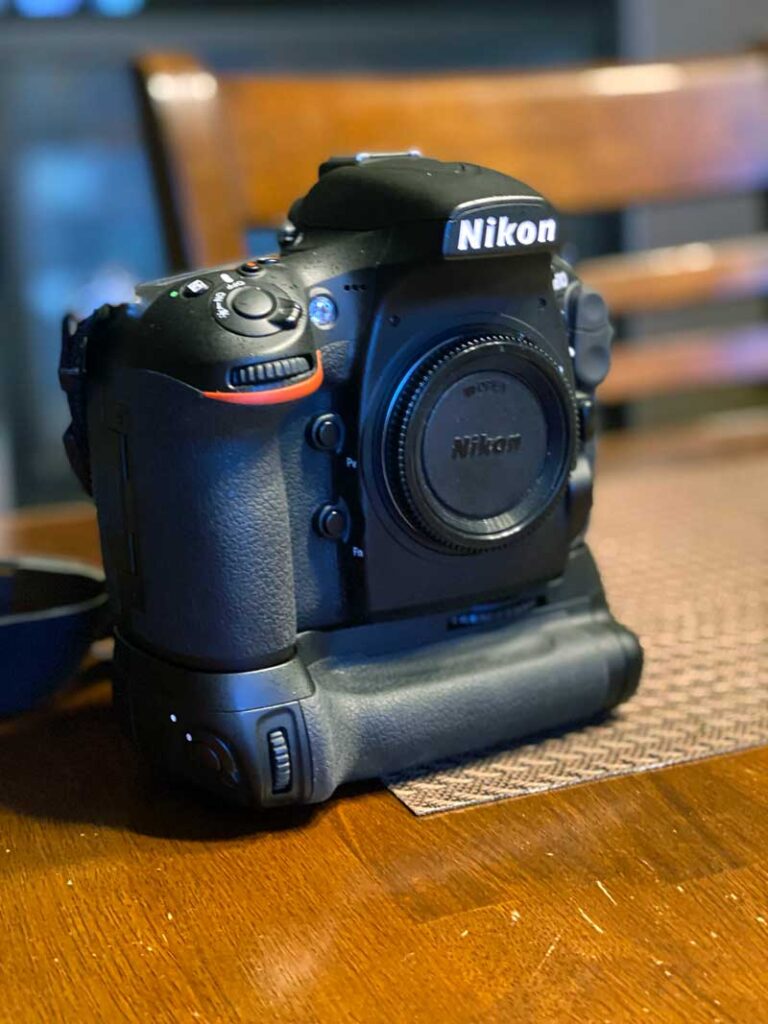
Once you learn what an astro‑mod does, the next question is often “Which camera should I send in?” On the “My Astro‑Modded Nikon” page I share the camera I chose and why:
- Why I picked a Nikon D810 that I bought second hand
- The value of using a solid, slightly older body instead of your only camera
- How the extra battery grip gives me longer shooting time
- Why I was comfortable with the risk if something went wrong
- What the first modded raw file looked like at Chain Lakes, and how I adjusted the colour in Photoshop
I also walk through what the modding process looked like in practice:
- Contacting a specialist who focuses on camera mods
- Agreeing on an H‑alpha style modification
- Shipping the camera, waiting a week or two, and getting it back
- Checking focus and then heading out for a real sky test
There is also a short section on why I recommend letting a specialist do the mod, instead of opening a camera body at home. If you are at the “Should I mod this body or buy another?” stage, that page covers the thinking that helped me.
3. Field Setup With a Star Tracker
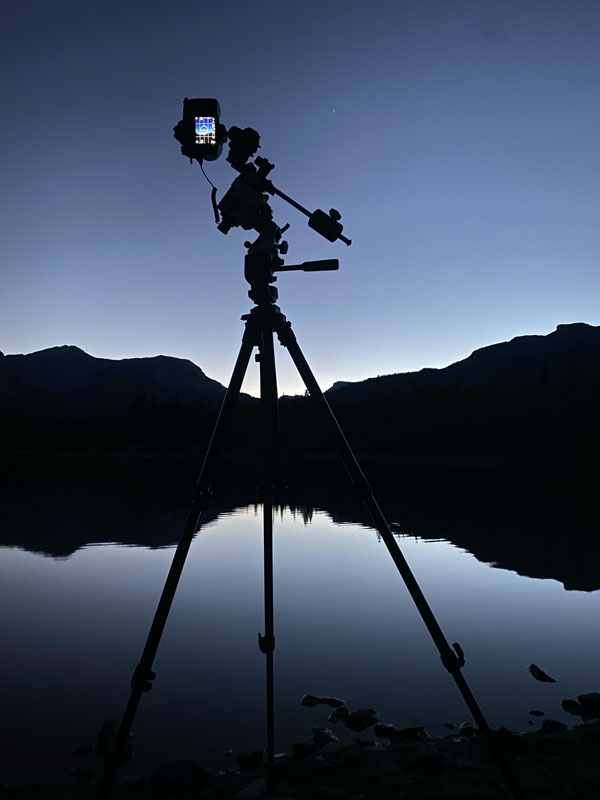
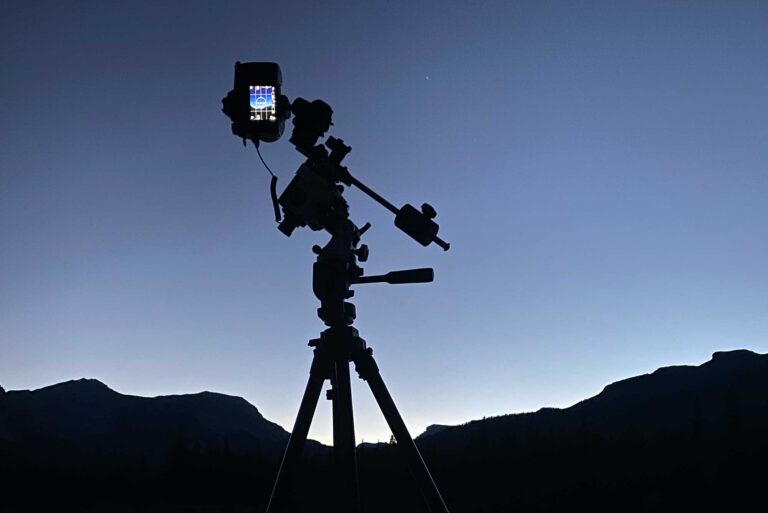
Once the camera can see more light, the next challenge is putting that to work in the field. A tracker is a key part of this. It rotates the camera to match the Earth’s rotation. Without that, long exposures turn stars into streaks. With it, you can run several‑minute exposures and still keep stars pinpoint sharp. I cover:
- The star tracker I use
- Why a tracker is so important
- How I align the tracker
- Setting latitude and time relative to UTC
- How to place Polaris on the right spot
- Some tricks that make alignment easier
I also describe my core kit:
- A very sturdy tripod
- Modded D810
- Sigma 14–24 for wide views
- Nikkor 60 mm macro for closer shots
- Using the tracker app
You will also find my focus routine and starting settings there. Things like using live view on a bright star, stepping up exposure times, watching the histogram, and not bumping the tripod once everything is aligned. There is a short section on dew, frost, and cold nights, and how I handle batteries and lens fog. If you want a practical picture of “what a night with this camera and tracker actually looks like,” that is the page to read.
4. From Noisy Frames to a Finished Image
The last part of the process happens at home. Long exposures expose faint detail in the stars, but they also produce noise. The sensor has its own patterns that become obvious once you start stretching (processing) an image. Shooting calibration frames and stacking them are how we deal with that. On the “From Noisy Frames to a Finished Astro Image” page I go into:
- Why long exposures and ISO create noise and patterns
- The four frame types I shoot: Lights, Flats, Darks, Bias
- How and when I capture each one in a real session
- Why you want “lots” of lights of the same target
- How flats remove vignetting and dust shadows
- How darks capture hot pixels and sensor glow
- How bias frames record your camera’s “read” noise
I also talk a little about image stacking software. I use Siril on Mac. Many people use PixInsight on PC. There are others. There are many good tutorials out there, so I focus on the big picture of what stacking is doing and why it improves your image.
If you look at your raw frames and wonder how they ever become those clean, detailed “after” images, that page explains the steps I take.