Field Setup: DSLR + Star Tracker (3)
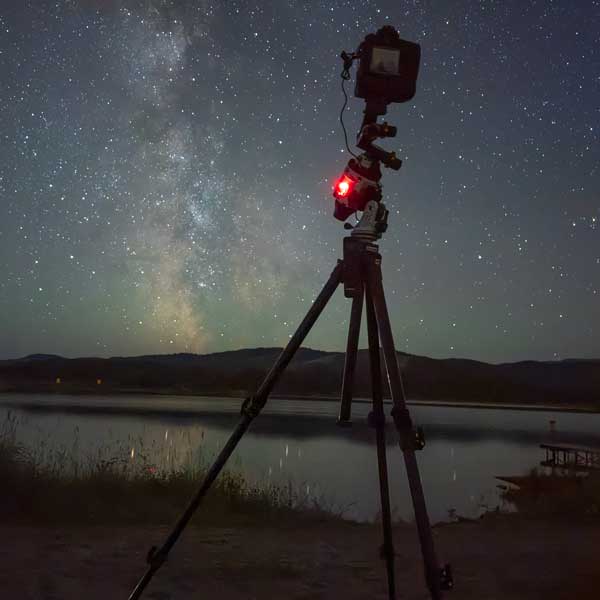
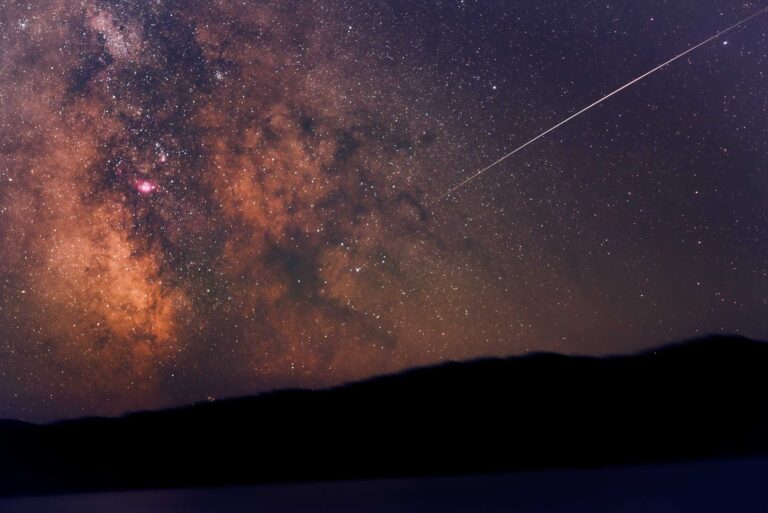
To capture the incredible detail of the milky way or target deep sky objects with a DSLR camera, a star tracker is critical gear.
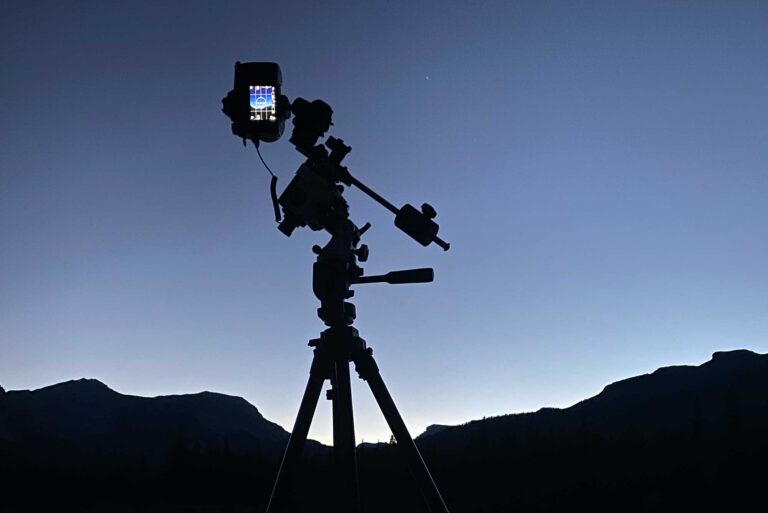
Sitting atop a sturdy tripod just below the camera, star trackers slowly rotate your camera to match the rotation of the Earth. Without this, long exposures cause stars to blur and streak across the frame (another fun dark sky technique you can learn about here). With a well-aligned tracker, stars stay sharp even over several minutes of exposure.
Popular tracker brands include Sky‑Watcher, iOptron, and Move Shoot Move. Some models include GoTo (motorized) functionality. This allows you to select a reference star, the Moon, or another night sky object and let the tracker move itself into position. You then mount and point the camera at your chosen target.
Before a tracker can follow the sky correctly, it needs to know where it is.
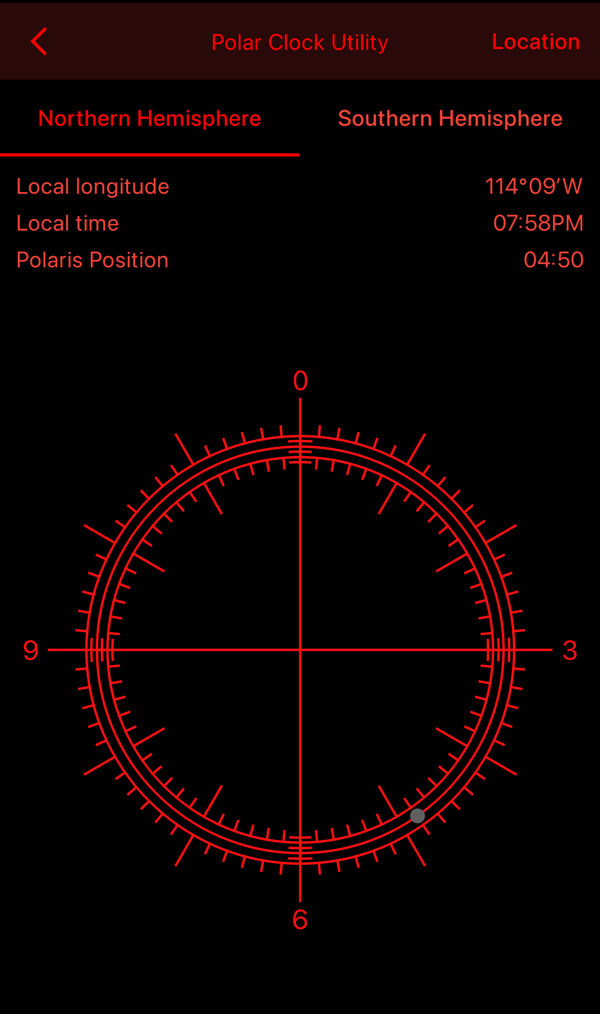
I use the Sky‑Watcher Star Adventurer 2i. That way, I can control much of the alignment process from an app on my phone once I’ve set the RA (printed clock on the tracker’s scope) to 0 (straight up) and pointed my tracker at Polaris. But alignment on this mount can also be manual if not using the app. For a manual setup, alignment means:
- Point the tracker at Polaris using the scope in the middle of the tracker. Locate Polaris ↗
- On the mount, set the latitude/parallel. In Calgary, I’m at approx. 51 degrees.
- On the dial, set the date and time relative to UTC that I want to start tracking. Since I am in Alberta, I need to minus 6 or minus 7 hours depending on daylight savings to get UTC.
- Rotate the tracker so Polaris sits on the correct target mark in the polar scope. Polaris moves slightly around the pole.
At first, manual alignment was a real challenge. Some alignments took me 30 minutes to an hour to dial in. Not exactly easy when starting out, but the process became easier as I gained practice.
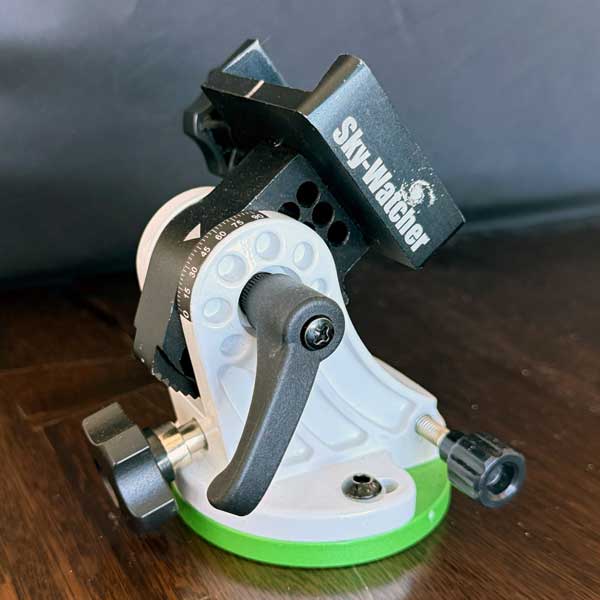
equatorial mount to set latitude/parallel 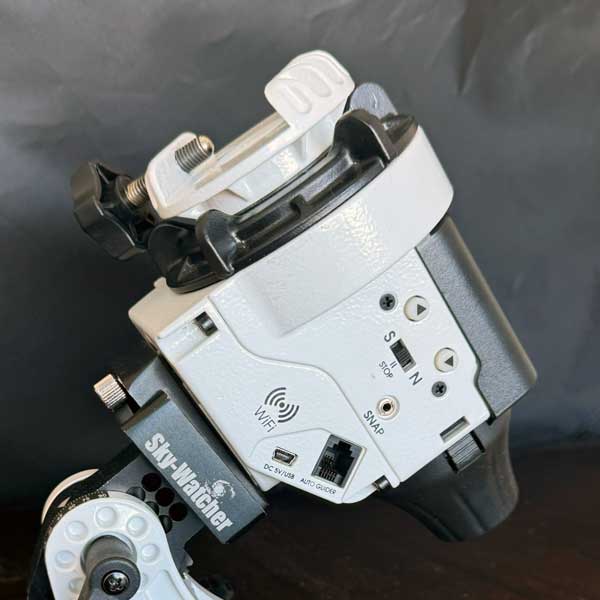
tracker ports to connect to phone 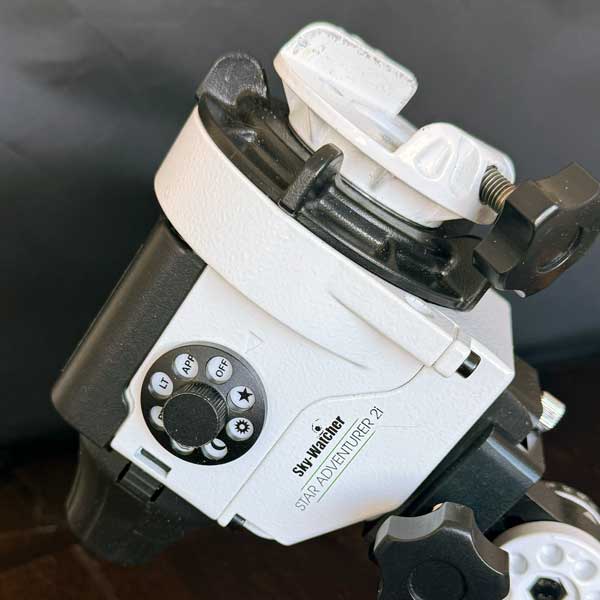
tracker settings based on target speed 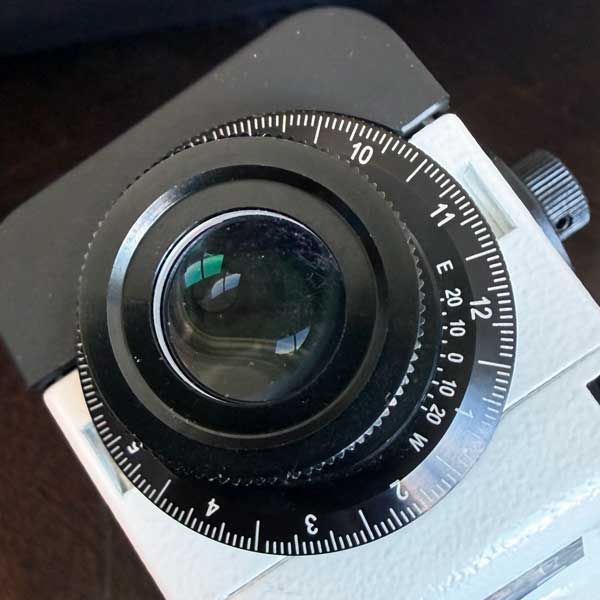
tracker dial to set location and time
In hindsight, I would have preferred a GoTo mount like the Sky‑Watcher GTi, simply to save the time and effort of manual alignment. On the other hand, doing it manually has taught me a lot about the Earth’s rotation and about understanding my position even out in the wilds. That learning has been invaluable.
Two Alignment Tricks That Help
1. The first is using a laser to position the tracker initially, then making micro‑adjustments from there. If you try this, take great care with the laser. Don’t shine it in your eyes. Don’t point it at an aircraft. Don’t point it at other people. Because you can blind someone and you don’t want the feds knocking on your door after a crash.
2. The other trick is to set up the time and position before going out. Do as much of that as possible, and then don’t jostle the tracker on the way to the shoot location. That way, there’s less fumbling in the cold and dark.
Finding Northern and Southern Alignment
If you are in the northern hemisphere, alignment usually starts with Polaris, the North Star. Polaris sits nearly stationary in the northern sky. It is near the end of the Little Dipper (Ursa Minor) and off the two cup-end stars of the Big Dipper (Ursa Major). Once you learn where to look (north of course), it becomes easy to find.
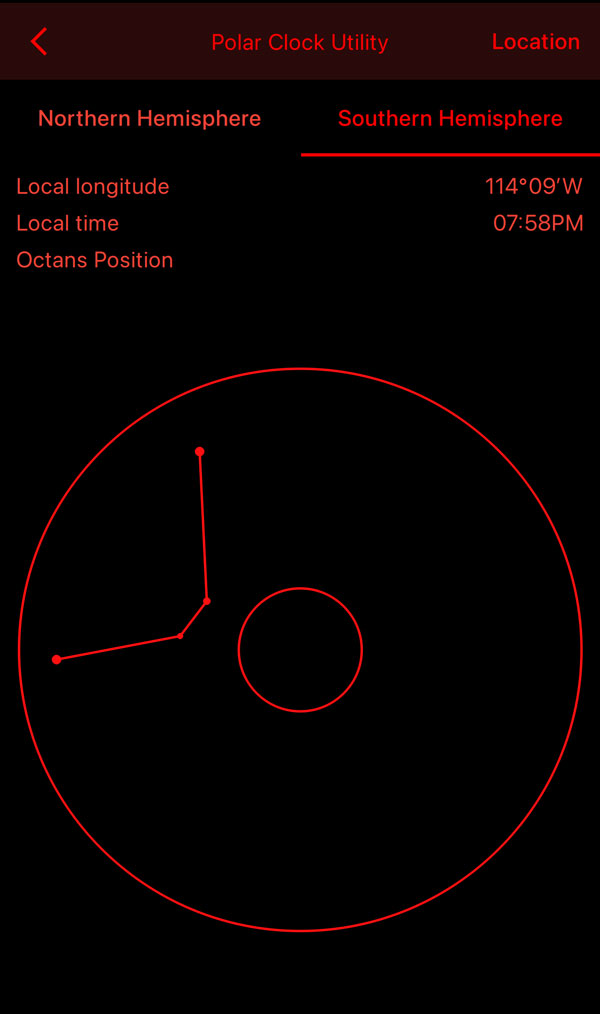
If you are in the southern hemisphere, things are more challenging. There is no bright “South Star” that stands out like Polaris. You need to align to the southern celestial pole using star patterns, the polar scope in your tracker, and/or an app. It takes more effort, but the results are the same – a mount that can follow the sky accurately for long exposures.
A Simple Astro Setup
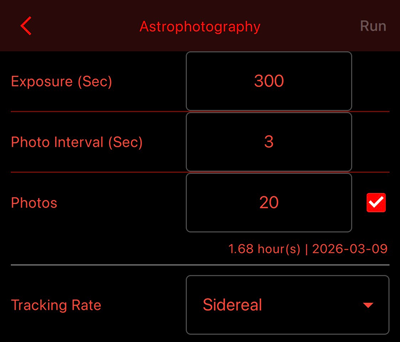
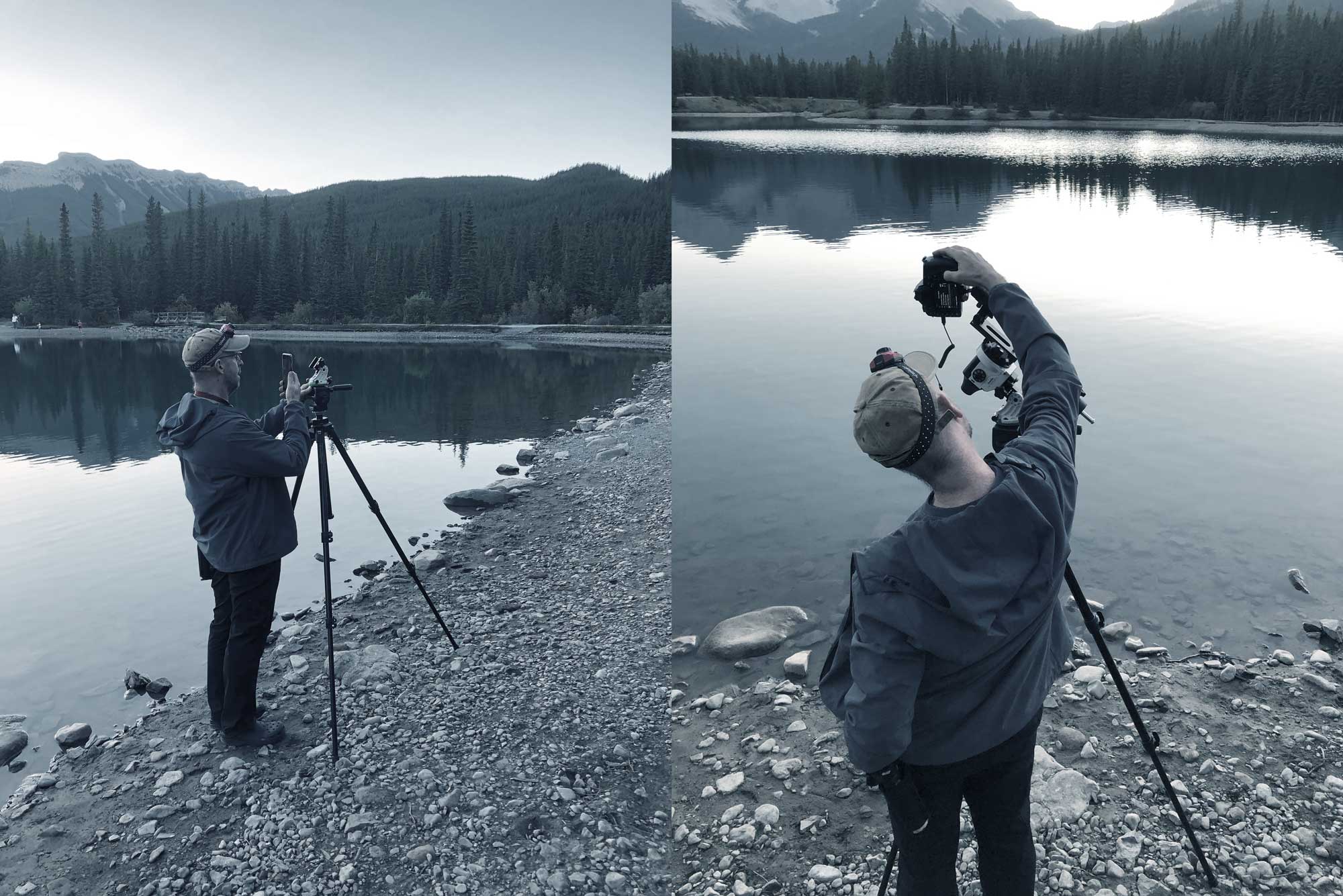
Once the camera is modded, it is tempting to rebuild your entire kit. No need. A tracker, sturdy tripod, a camera, and one or two lenses you know well will take you a long way. The app that comes with my tracker works as an intervalometer, so I do not need to touch the camera shutter release. Your tracker might have different requirements.
I have two lenses that I use most often for astro. A Sigma 14–24mm wide angle Art lens for full‑sky Milky Way shots and time-lapses. And, a Nikkor 60 mm Macro for Milky Way detail that I shoot in a grid pattern before stitching together in Photoshop.
Before going out, don’t forget to grab your red light headlamp.
It’s important to get comfortable using your gear in the dark or under your red headlamp. Most of the improvement over time comes from knowing where the buttons are by feel. Doing so protects your night vision which is real. But in order to get your eyes into night vision mode, you need to avoid bright lights for at least 25 minutes. That means no headlights, no flash, and definitely no bright phone screens. Turn everything off and dim your phone screen to the lowest setting possible in order to achieve night vision. After that, you can see well enough in the dark to walk around without tripping.
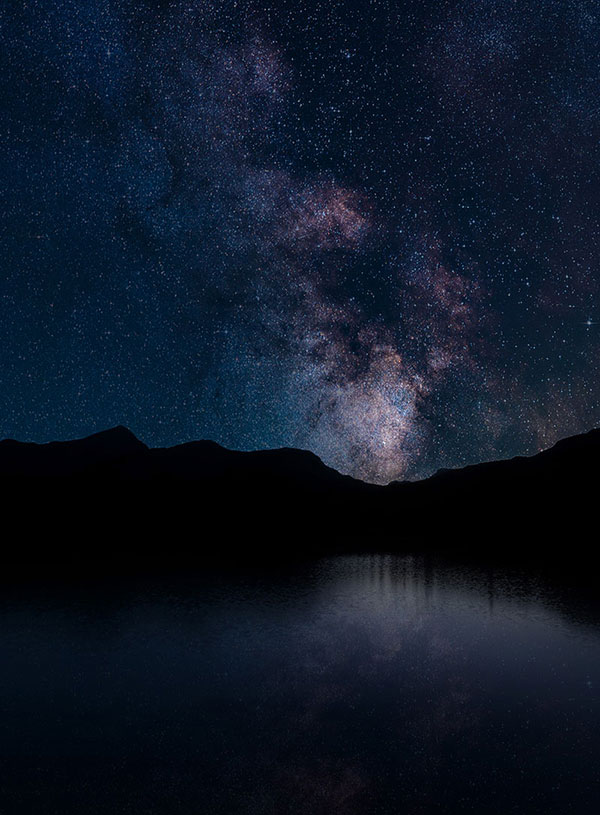
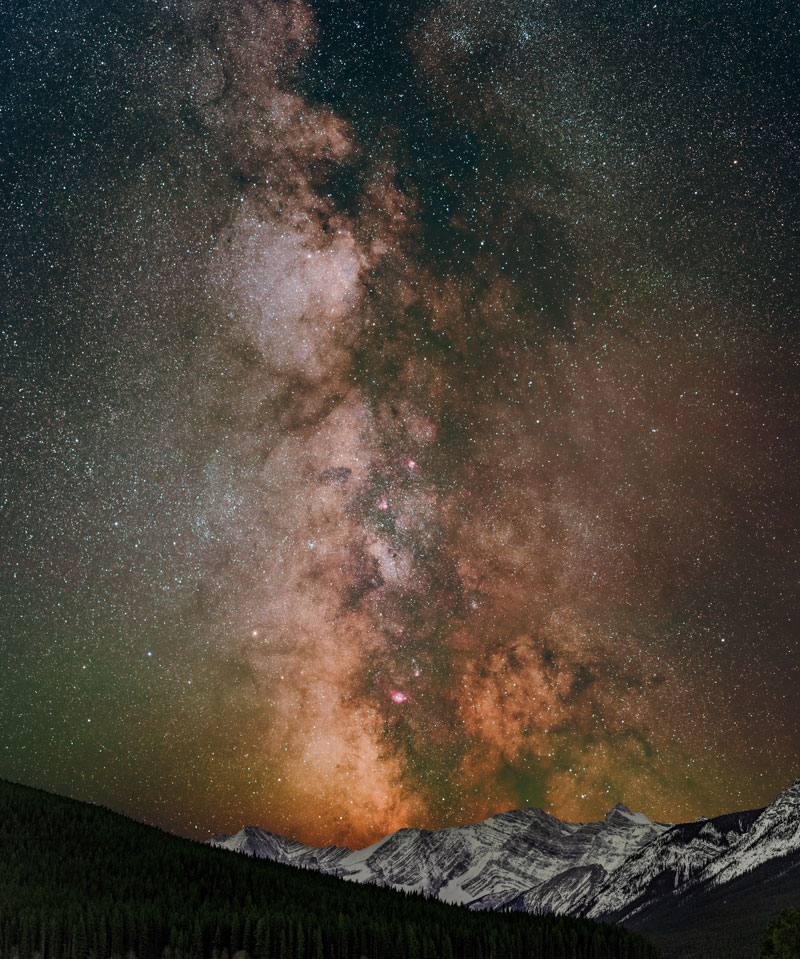
Focusing in the Dark can be a Real Challenge
My approach is to switch to live view, find a bright star, and zoom in as far as the camera allows. I then slowly turn the focus ring until that star looks as small and sharp as I can make it – then go past and come back to focus. I might take several test exposures over the evening, review each on the display for focus and framing, and adjust as needed. Once I am happy with it, I tend to leave everything alone unless changing lenses, zoom, or targets.
With alignment and focus in place, we are free to play around with exposure times. Just try not to bump the camera or the tripod. If you do, you may need to realign the tracker all over again. (Yes, I am speaking from experience here.) 🙃
Where I Start With Settings
Camera settings change with each lens, sky, and target, but I do have a starting routine.
On a heavy, level tripod with the tracker OFF, I’ll do a few test exposures (focus, composition, cropping). That might mean something like 20 to 25 seconds at a wide focal length\, with the lens wide open or close to it, and ISO high enough that stars show clearly on the preview… about 1600-2500 ISO. I might take several test shots, review them, and adjust. Again, at this point the tracker is not rotating.
Then, with the tracker running, I test with longer exposures. I might try 60 seconds, then 90, then 120 and double check for alignment (stars remain sharp). Once I feel confident, I jump to five minutes. I will keep the lens near its 2nd widest aperture (widest aperture commonly does less well for most lenses) and set the ISO much lower (100-800, depending on what I see) to counter the longer shutter time until I can see histogram cleanly away from the sides. If I have a prime lens (these have a set focal length, don’t zoom) the image quality can be better with less distortion than zoom lenses.
From there I respond to what I see on the screen. These are guidelines, not rules. Pay attention to how each change affects your images and adjusting from there.
Dealing With Dew, Frost, and Cold Nights
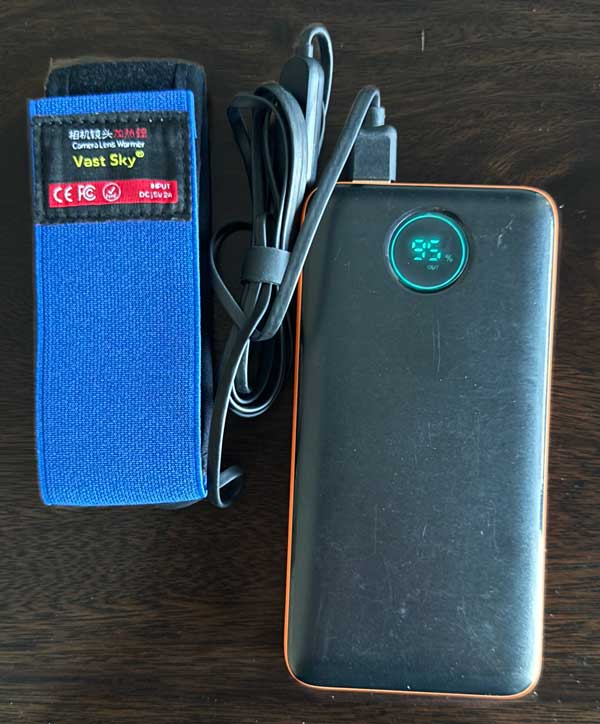
Cold, clear nights are great for astro, but they bring a few extra challenges. Lenses can fog or frost over partway through a session. Often you do not notice it right away. Everything just becomes softer. A simple dew heater strap around the lens helps a lot. A longer lens hood can delay fogging too. Pointing the lens slightly downward between sequences can also help.
Also, batteries drain faster in the cold. I keep at least one spare battery in an inside pocket so it stays warm. If the battery in the camera starts to run low, I swap it out for the warm one and put the cold one back in my pocket to recover a bit. These can save a night’s worth of shots.
Light Pollution, the Moon, and Choosing a Night
Location and timing matter as much as gear.
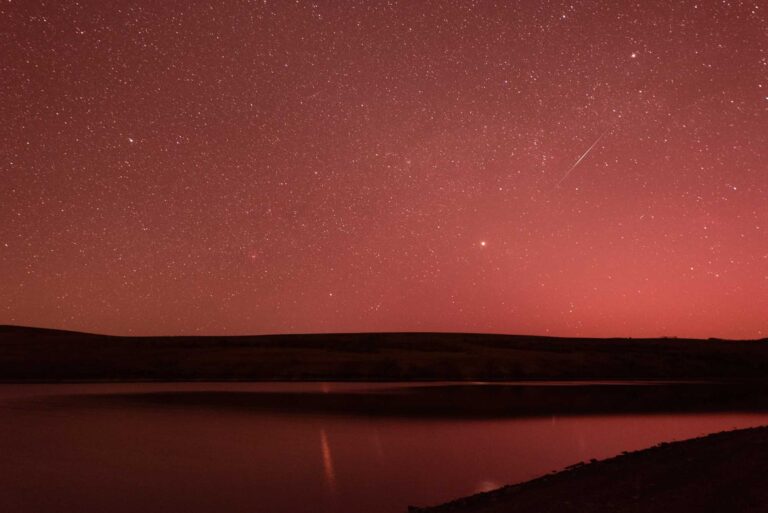
Urban and suburban skies are full of stray light. Streetlights, buildings, and general sky glow all wash out detail. Moving even a short distance away from the brightest areas can make a noticeable difference. I check a light pollution map, then choose a site that gives me the darkest sky I can reasonably reach. Often, I’m driving an hour or more to escape city lights.
1
Shutter time
Expose long enough to gather enough star light.
2
Time of night
It has to be dark enough to see the stars clearly.
3
Time of month
The moon can be too bright to see stars well.
4
Time of year
The object or milky way arn’t always visible.
5
Time of shoot
When the object is in a good position for your shot.
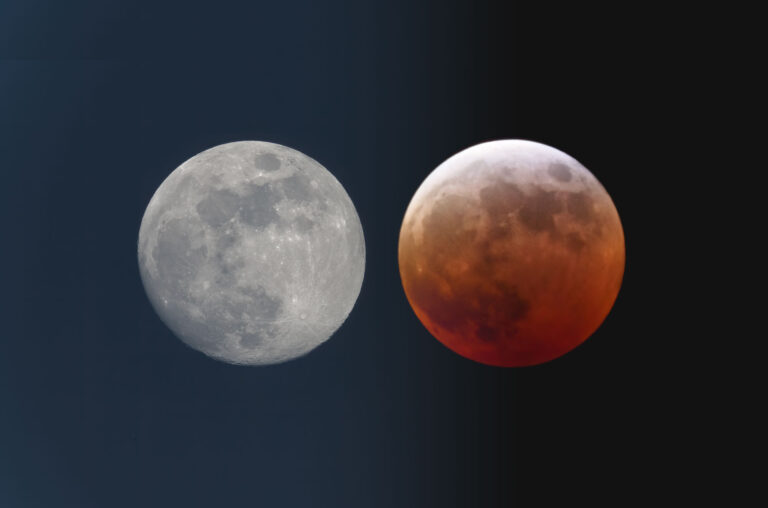
The moon is another big one. A bright moon turns the sky into a glowing backdrop with a huge light in the middle. That makes it harder to bring out faint nebulae and galaxies unless you’re shooting the opposite direction. For those targets, darker nights with no Moon or only a thin crescent are critical. When the moon is full, I treat it as a chance to practice my focus on the Moon itself – it moves fast.
Don’t forget to play, daytime use of a modded camera can be fun too.