Noise, Long Exposures, and Calibration Frames (4)
When we capture the night sky, especially faint stars and nebulae, we use long exposures. Long exposures and higher ISO settings introduce noise. Noise shows up as grain, speckles, and unwanted patterns in the image.
Because we are trying to record extremely faint light, we want to reduce that noise as much as possible. One of the main tools for that is calibration frames. For astro, I aim to capture four types of photos (frames). Note that Lights are the actual photos of the night sky. The other three frame types support them. In the order you want to create these:
- Lights
- Flats
- Darks
- Bias
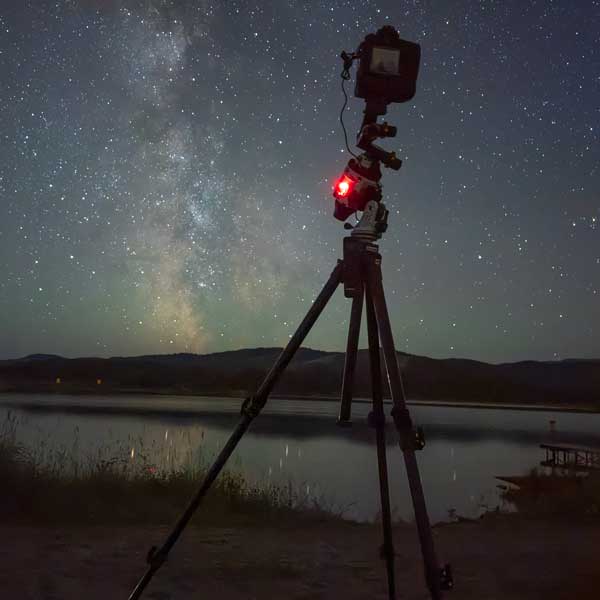
Lights: Lights are the photos (frames) that contain the stars, nebulae, dust, and everything you care about. You want to capture a lot of these frames of the same object. Dozens, if you can. The more lights you have, the more the stacking software can average out random noise and improve the signal. For example, I might shoot 30, 60, or more five‑minute exposures of the Orion Nebula over the course of a night, all with the same framing.
Flats: Flats are neutral, evenly lit photos of a bright surface. They are taken with the same focus and framing as the lights, usually before packing up for the night. I often use a white T‑shirt stretched over the lens or a tablet screen with a white image. The idea is to get a smooth, even field of light. Flats show vignetting (dark corners) and dust on the sensor or lens. They also pick up any uneven brightness across the frame. Later, the software uses flats to correct those patterns so the final image is even from corner to corner.
Darks: Darks are photos taken with the lens cap on, at the end of the night. They use the same exposure time, ISO, and temperature as the lights. Because no light reaches the sensor, darks show the sensor’s own noise pattern. That includes hot pixels, glow, and other fixed effects. The software subtracts this pattern from your light frames, which helps remove these repeatable artefacts from the final stacked image.
Bias: Bias frames are also taken with the lens cap on. They use the fastest shutter speed your camera allows, at the same ISO as your lights. These frames capture the camera’s electronic read noise. Unlike darks, you can shoot bias frames at any time, and you can often reuse a set across multiple sessions. Bias frames help the software model the base noise level of the sensor.
All of the frames are combined, or “stacked”, in advanced software like Siril. Stacking uses the extra data from the flats, darks, and bias frames to reduce noise and correct sensor and optical effects in the lights. It also averages out random noise across many frames. I use Siril on Mac for stacking and basic processing. Many others use PixInsight on PC. Each program has its own workflows and tools. Editing in these tools can be complex, so I suggest following their documentation and watching some video tutorials.
Check out the simplified field guide at the end of this page. 👇🏼
ISO and Exposure Tips
A simple tip that helps a lot: Lower the ISO as far as you can while still gathering enough light to obtain your image. On my tracker, in the middle of the night, I have captured images at ISO 100 with very long exposures. In darker locations, that can work very well. In brighter skies, you may need more ISO, but there is usually no need to push it to extremes. Use your histogram as a guide. You want it lifted off the left side, but not piled up on the right. Take a few test shots and adjust.
Picking Targets and Setting Expectations
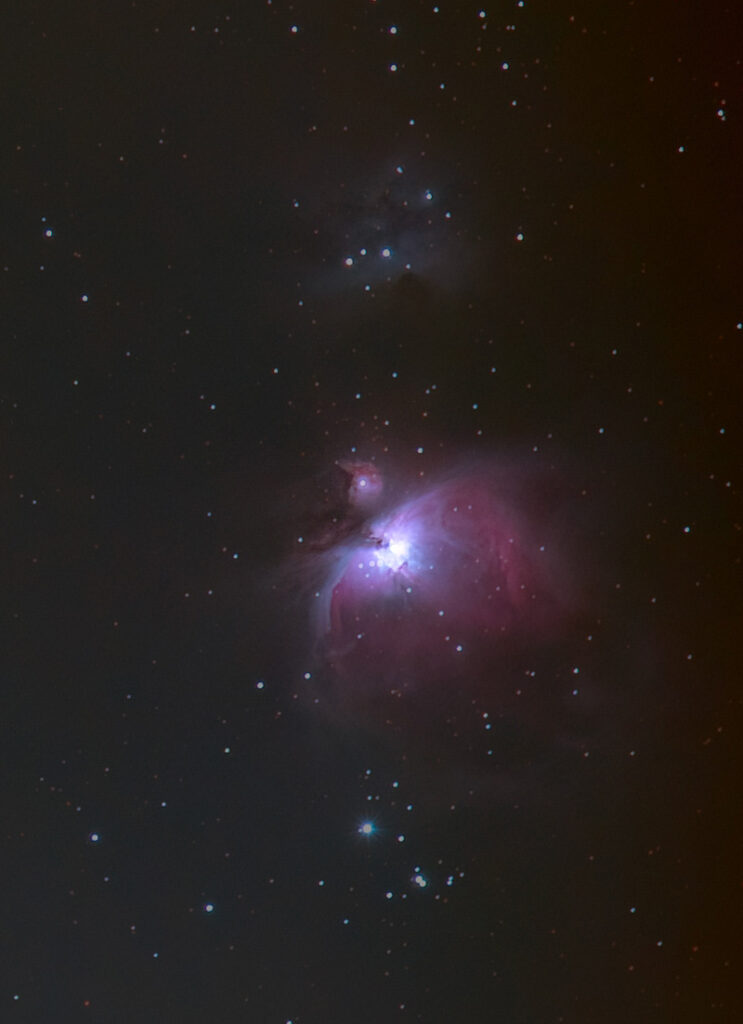
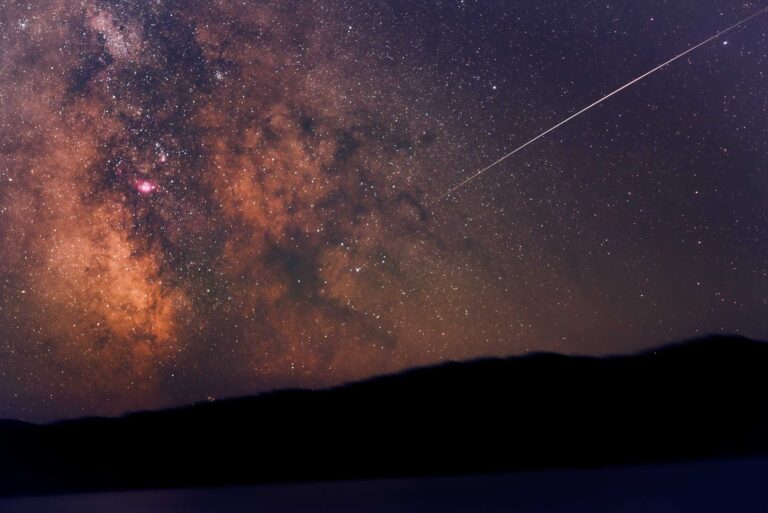
Some targets are especially kind to this kind of setup. The Orion Nebula is a classic example. It is bright, easy to find, and full of hydrogen alpha emission, so a modded camera really shows its value there. The Andromeda Galaxy is another favourite. The Milky Way core, when it is visible where you live, is always rewarding.
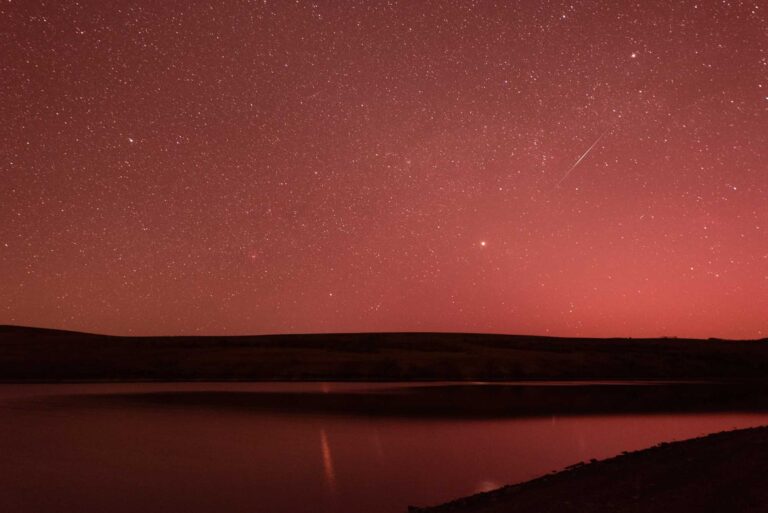
It helps to remember that you are working with real‑world skies, not space telescope conditions. A modded sensor gives you better data to work with, but you will still see clouds, haze, light pollution, satellites, and the occasional meteor. That is part of the experience. Each session is raw material. Stacking, calibration, and careful editing turn that material into a finished image.
Light Pollution, the Moon, and Planning With Processing in Mind
Light pollution and the Moon affect not just what you see on the back of the camera, but also how far you can push an image in processing.
In bright skies, gradients are stronger. You will spend more time correcting them in software. In darker skies, gradients are weaker and faint objects stand out more. The same is true with a bright moon compared to a dark, moonless night.
I plan my processing load while I plan my sessions. If I know I am shooting from a brighter site or with a half moon, I lean toward brighter targets and wide fields. On darker, moonless nights at a better site, I go after fainter nebulae and finer detail.
The modded camera, the tracker, good calibration frames, and thoughtful planning all work together. The more attention you give each step, the more your final stacked and processed image will show what your camera is now capable of seeing.
CALIBRATION FRAMES: AN EASY FIELD REFERENCE
- Lights
- Flats (before packing lens)
- Darks (end of night)
- Bias anytime
LIGHTS
The photos you take.
60-200+ frames
FLATS
Focus + zoom unchanged
Even bright surface (tablet screen)
Histogram ~ 1/3–1/2
Use A mode or adjust exposure
20–30 frames
DARKS
Same ISO / exposure / temp as lights
Shoot after session same environment
15–25 frames, Lens cap ON
BIAS (OPTIONAL, and can be reused)
Fastest shutter (1/8000)
Same ISO as lights
20 frames, Lens cap ON
COMMON MISTAKES
Changing focus before flats
Flats too bright (clipped histogram)
Darks at different temperature