Why Astro‑Mod My Camera? (2)
Digital photography has changed the way our cameras see light.
Human eyes only see part of the light spectrum. We call that the visible spectrum. A digital camera sensor is not limited in the same way. It can record light across a much wider range, including infrared, ultraviolet, microwaves, x-rays, and more.
To keep our photos looking the way our eyes see, camera manufacturers place filters in front of the sensor. These filters block most of the light outside of the visible spectrum. That way, the camera mostly records what our eyes see. That is perfect for daytime and everyday use. For night sky work, it means the camera’s filters are ignoring a lot of useful light.
This page is for anyone who is curious about taking their night sky photos a step further by modifying a DSLR. My goal is to show what an astro‑mod actually is, what it changed for me, and what I would think about if I were doing it again.
I am not trying to talk you into anything here. I am simply sharing what worked, what did not, and what surprised me.
Why Astro‑Mod a Camera?
Astro photographers often want their cameras to see more than the human eye.
To do that, we ask for the camera to be modified so that it can record light outside the normal visible spectrum. This is often called astro‑modding. The basic idea is simple. We let more wavelengths reach the sensor, instead of blocking them in front of it. That extra light is already there. We are just allowing the camera to record it.
Two common types of camera modifications are:
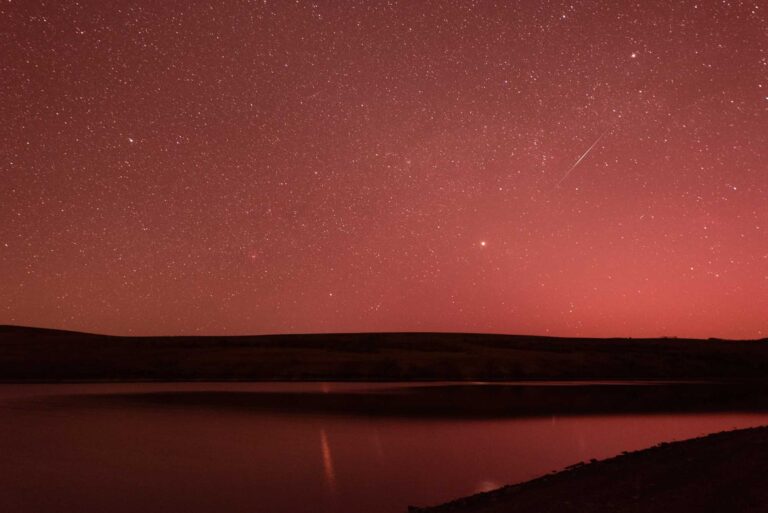
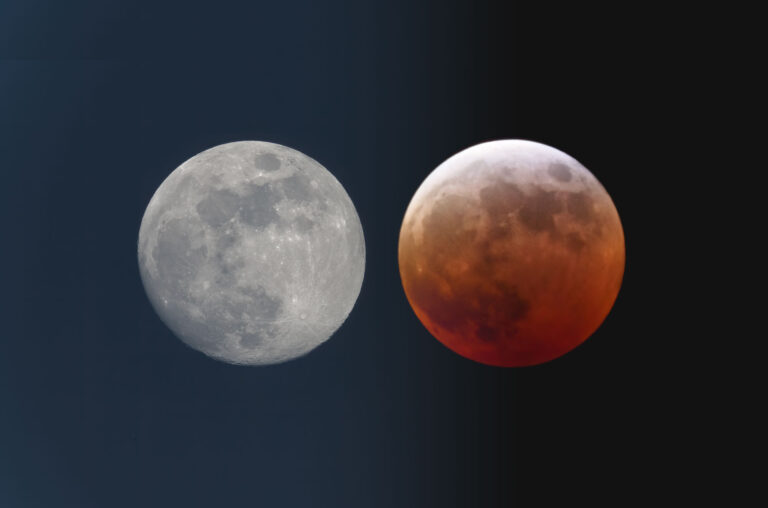
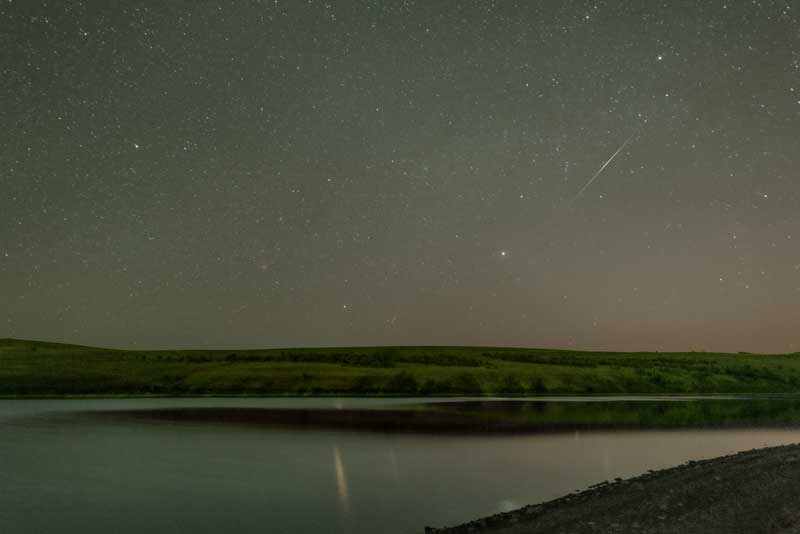
Photos from an astro‑modded camera look different. Raw files are often very red and colour‑shifted. Extra post‑processing is normal and expected. A simple colour balance in editing is usually enough to get them looking more “normal” again. Many consider processing to be an art, and I agree. I encourage you to process your images any way you want, however you like them. If someone doesn’t like them, they don’t have to look. Ha!
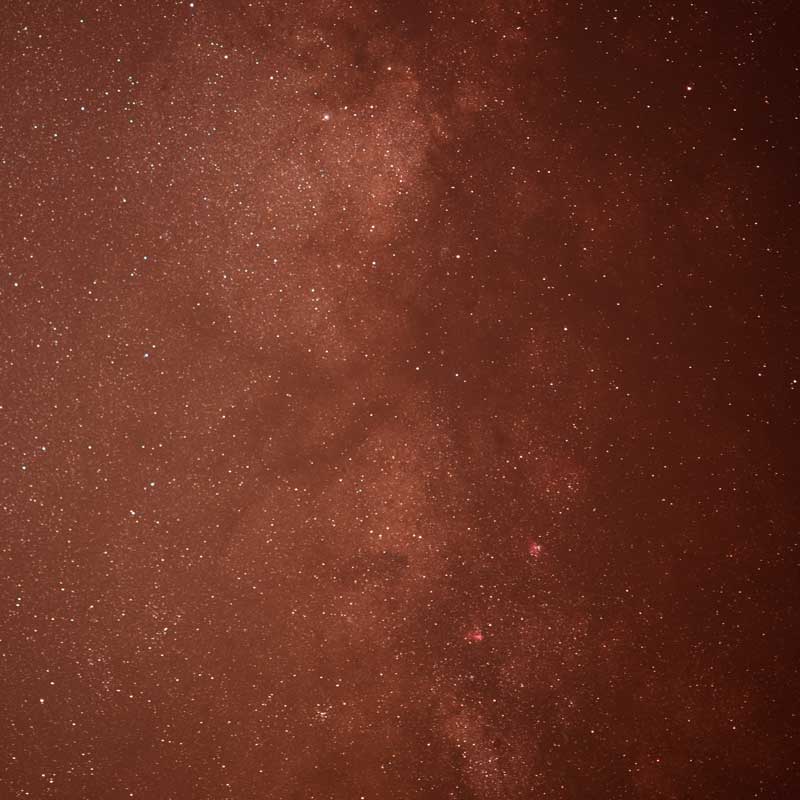
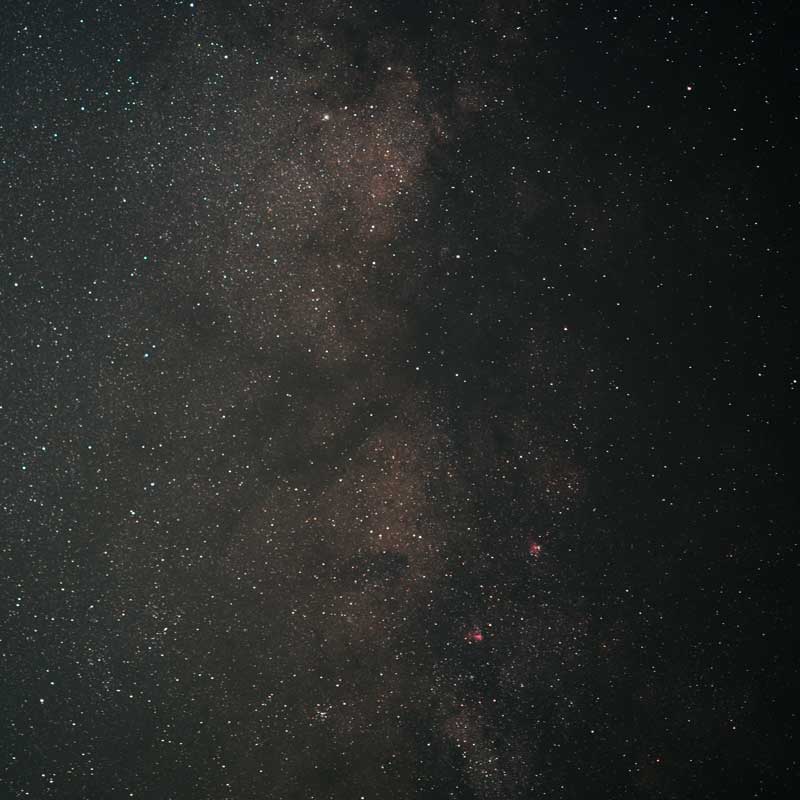
You can still take everyday photos after an astro‑mod. You just need to adjust the colour balance.
Try Astro With a Stock Camera First
Before you send a camera in for a mod, I recommend spending some time with a completely stock setup. Point a regular DSLR at the Milky Way or Orion. Learn how to focus on stars or other far-away light source. Learn what exposure times you can get away with on a tripod (lens size and exposure time matter), then on a tracker if you have one. Try stacking a few images in Photoshop, Lightroom, or other software and see what that feels like.
Once you enjoy that workflow and know that this kind of photography is fun for you, an astro‑mod becomes a natural next step instead of a big unknown.
My Astro‑Modded Nikon D810
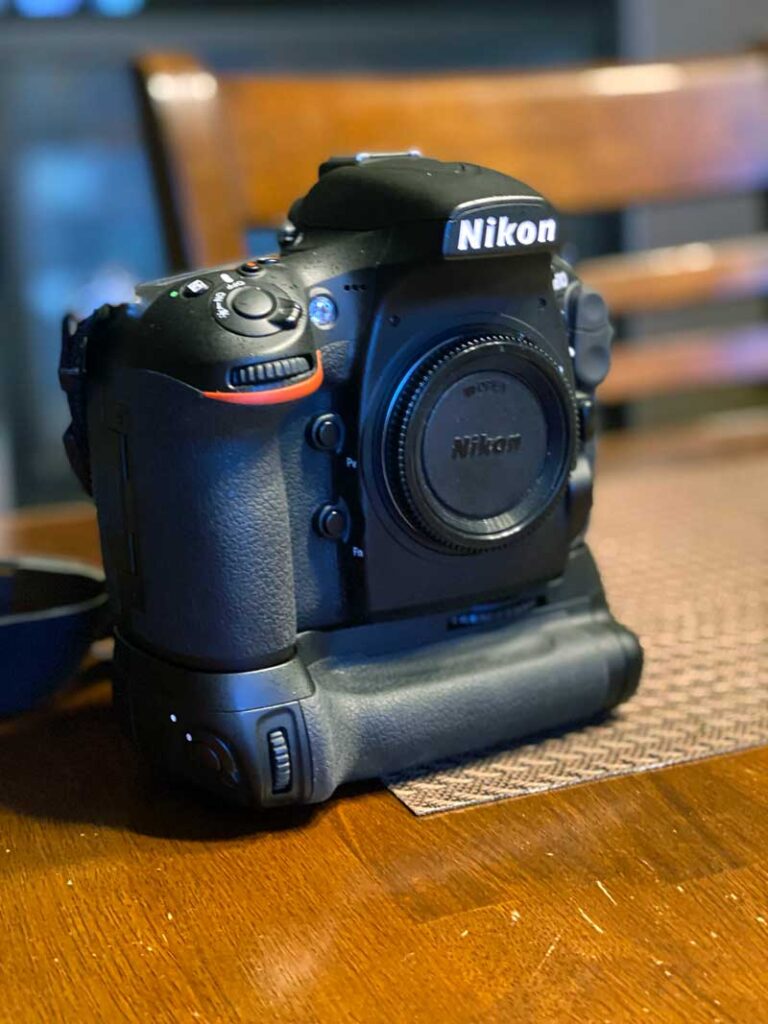
The camera I chose to mod is my Nikon D810. I had a few reasons:
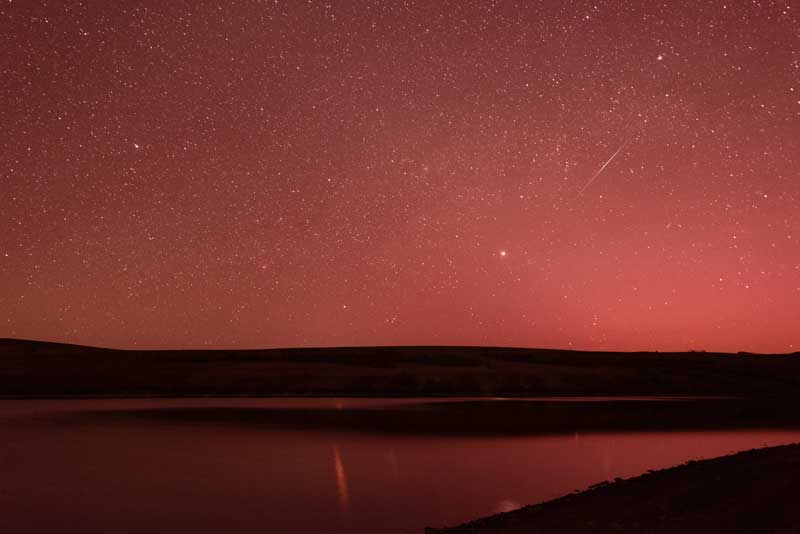
After the mod, raw files looked quite different. Overall colours can be from red to purple. At first, the result startled me. A quick colour balance in Photoshop brought the image right back to normal. For astro work, the change was much bigger. Even faint nebula colours became easier to see and to bring out in processing.
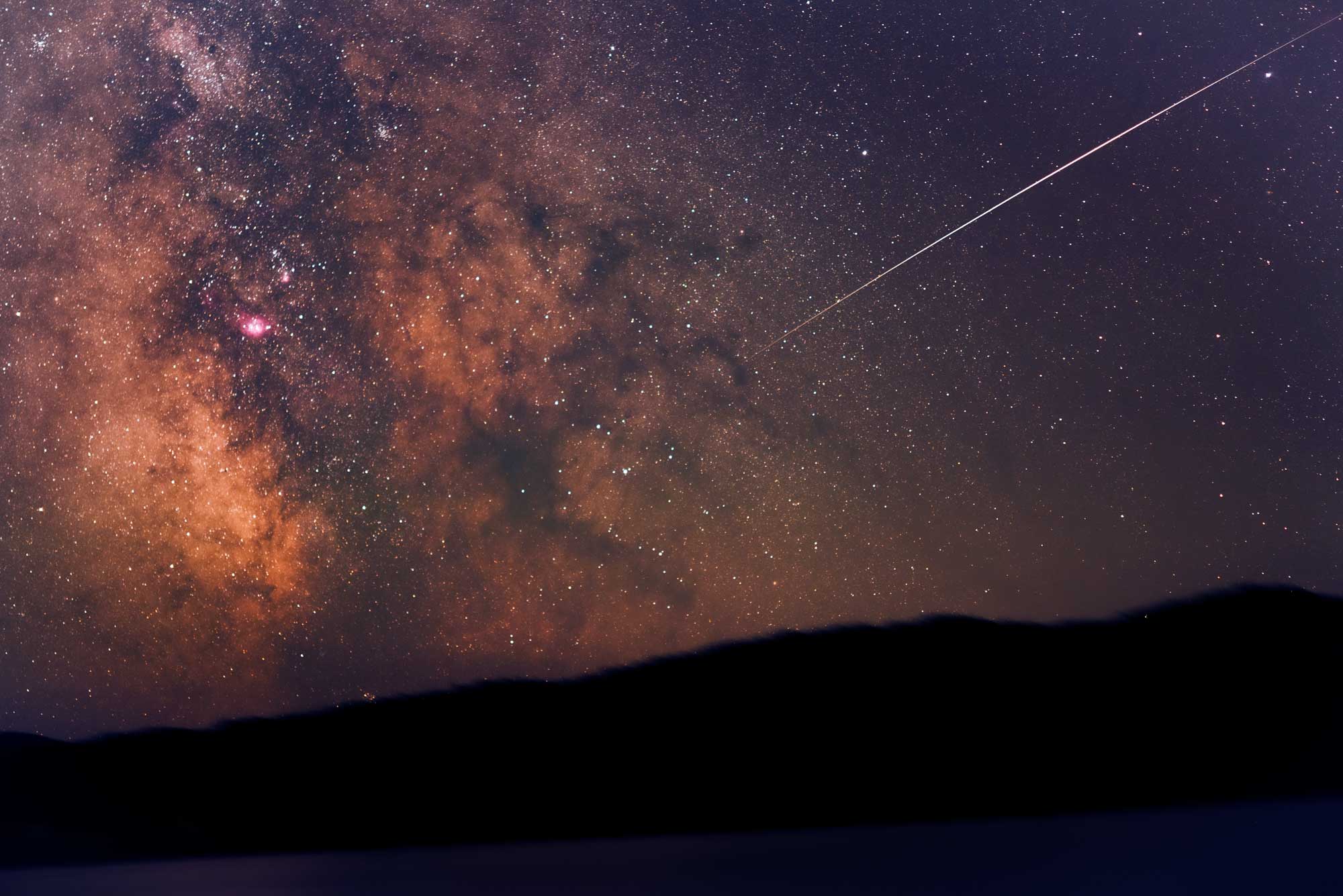
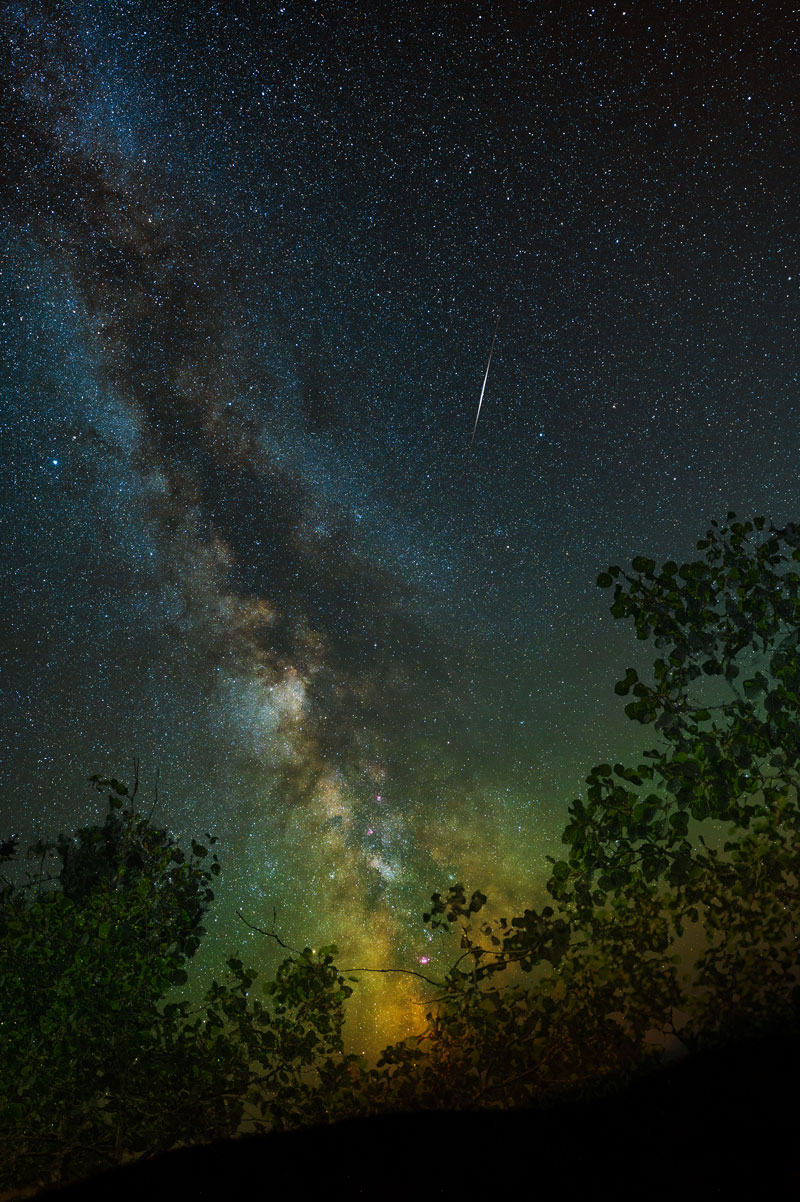
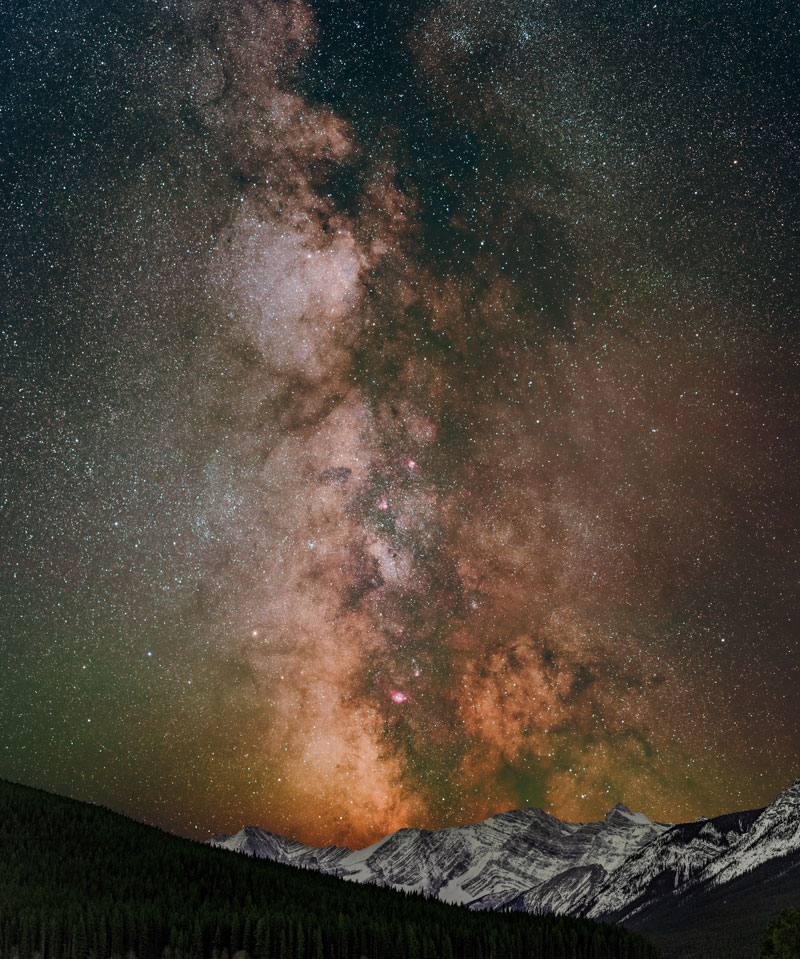
Compare the two Milky Way photos here. “Star Struck” was shot on a stock camera (my Nikon D780) with a 14-24mm Sigma Art lens set at 14mm, 25 second single exposure. A much more detailed Milky Way Close Up was shot on the modified D810 with a 60mm Nikkor Macro Lens atop a star tracker. Images were captured in a grid of sixteen 5 minute (4 across, 4 high) overlapping exposures. All 16 were colour balanced as a batch and stitched together in Photoshop. Shot separately, the mountain range was later added as a foreground. The level of detail captured with the modified camera is enormous when compared to the stock setup – enabled by the Ha filter mod. I had never seen the “brain” on the lower right so clearly. I was stunned when it appeared on my screen.
Choosing Which Camera to Mod
Okay, so now you’ve seen some examples…the next step is making one of the first real decisions: which camera body to mod.
I did not send my main (newer), do‑everything camera. Instead, I picked a body I already felt comfortable dedicating mostly to astro work. In my case, that was a Nikon D810 I had picked up second hand. It has a full‑frame sensor, handles manual work nicely, and the second hand price tag made the decision easier.
Modding is a commitment. It can change how colours behave for everyday photos. It may also affect warranty and resale value.
Treating the mod as an opportunity to give a solid, slightly older body a new specialty role feels like a good balance. Some people mod their only camera and adjust to it. Others, like me, prefer to keep at least one camera stock and one set up for astro. Both paths work. Do what feels right for you.
What Getting a Camera Modded Actually Looks Like
In practice, the modding process is quite straightforward.
I contacted a camera modification specialist who focuses on this kind of work. I described what I wanted, and we settled on an H‑alpha style modification. The goal was to make the camera more sensitive to nebulae while keeping it usable for regular photography with colour adjustment.
After that, I shipped the camera to them. They opened it, replaced the internal sensor filter, checked focus calibration, put it back together, and shipped it home. In my case, I think it took less than two weeks and cost only a few hundred dollars.
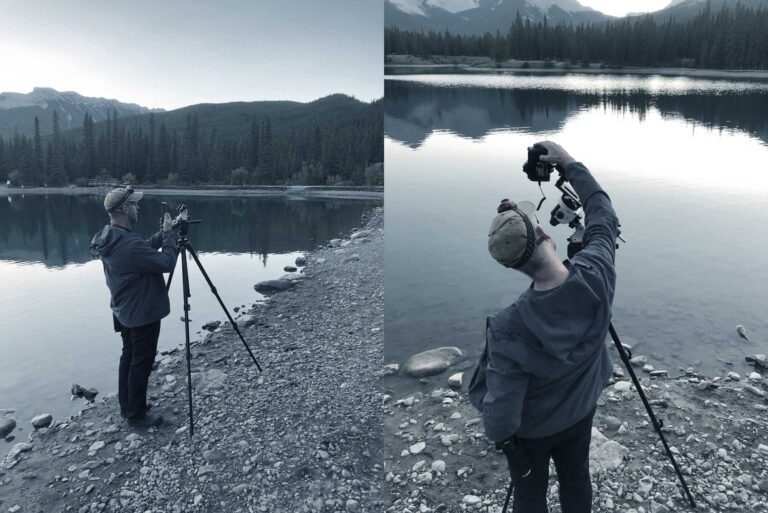
When the camera arrived, I went straight out to one of my favourite dark sky locations; Chain Lakes Provincial Park. The first red image on the back of the camera made me wonder what I had done. A simple colour balance in Photoshop later, and it looked perfect. From that night on, I could see more nebula detail than before.
Shoot RAW
For all of this to pay off, shoot in RAW. RAW files keep all the extra data that the mod lets through. That gives you room to adjust white balance, pull out faint nebula detail, and control noise. JPEG throws away a lot of that information in camera. I shoot everything (always) in RAW. It is the best way to take advantage of my DLSRs, modded or not.
An Astro‑Mod Is Part of the Process, Not a Shortcut or a Replacement
An astro‑mod gives your sensor more light to work with. It makes nebulae stand out more and gives you better data for processing. It does not replace dark skies, good focus, solid tracking, or calibration frames. It works best as part of the whole process, not as a magic fix. Think of the mod as one more tool in the kit. It belongs beside your tracker, your tripod, your processing workflow, and your planning.
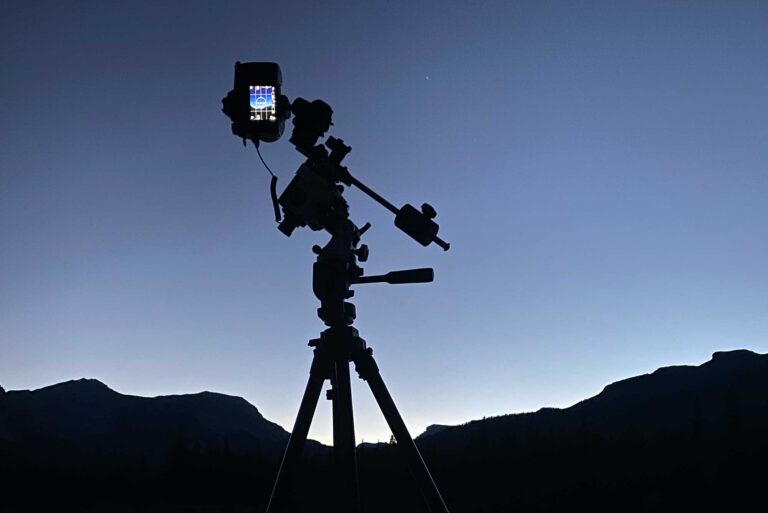
Next, let’s look at how I actually set up and shoot in the field with this camera.